
Identity, Security & Design for WordPress
Smart Login
Turn WordPress access into a branded, protected experience ready for customers, teams and communities.
Updates included / secure checkout by Freemius
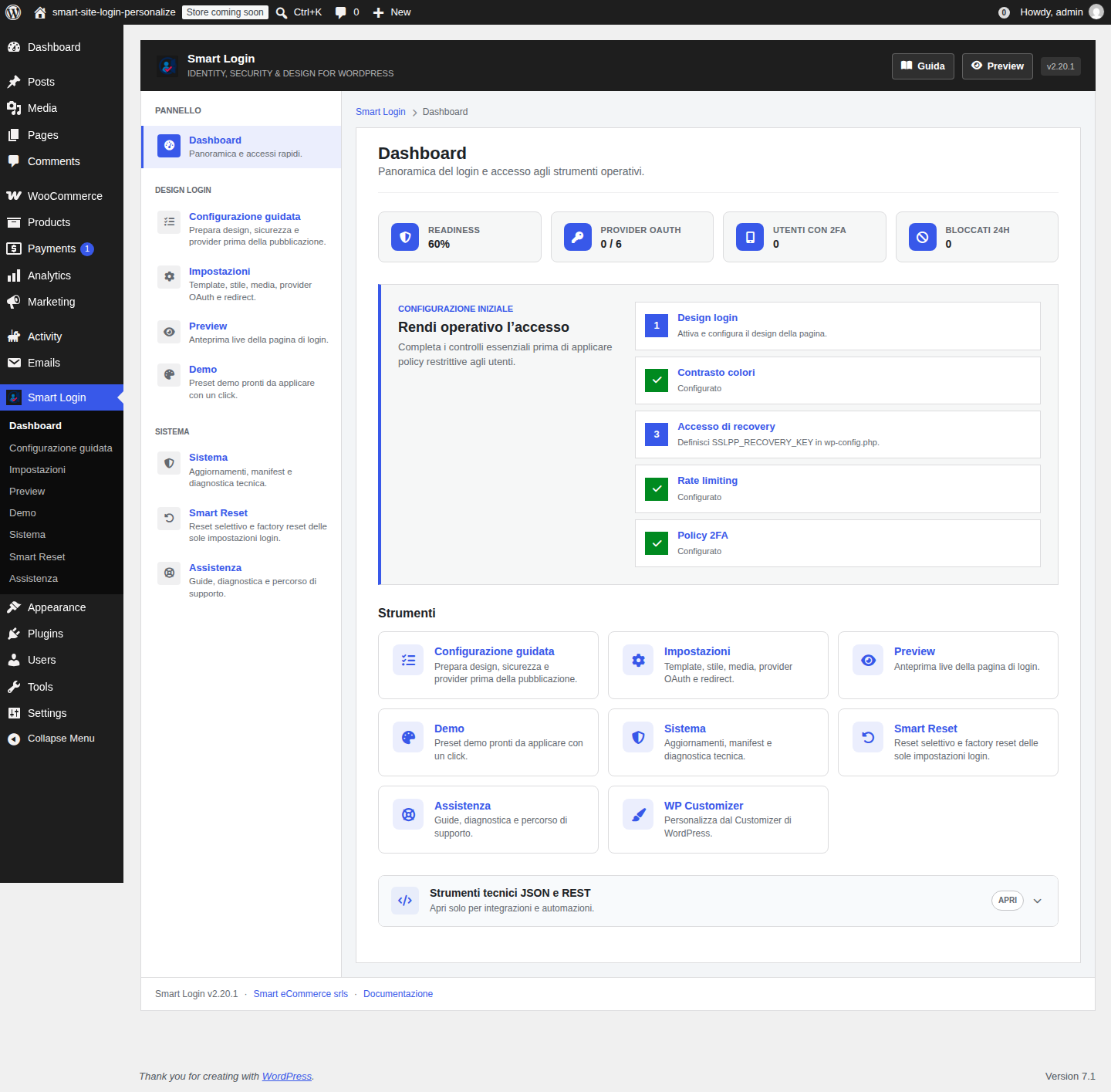
01 / Setup
Ready without uncertainty.
Guided setup brings design, accessibility, providers and protection into a verifiable sequence before launch.
- Business, eCommerce and Membership profiles
- WCAG contrast validation
- Restorable snapshot before changes
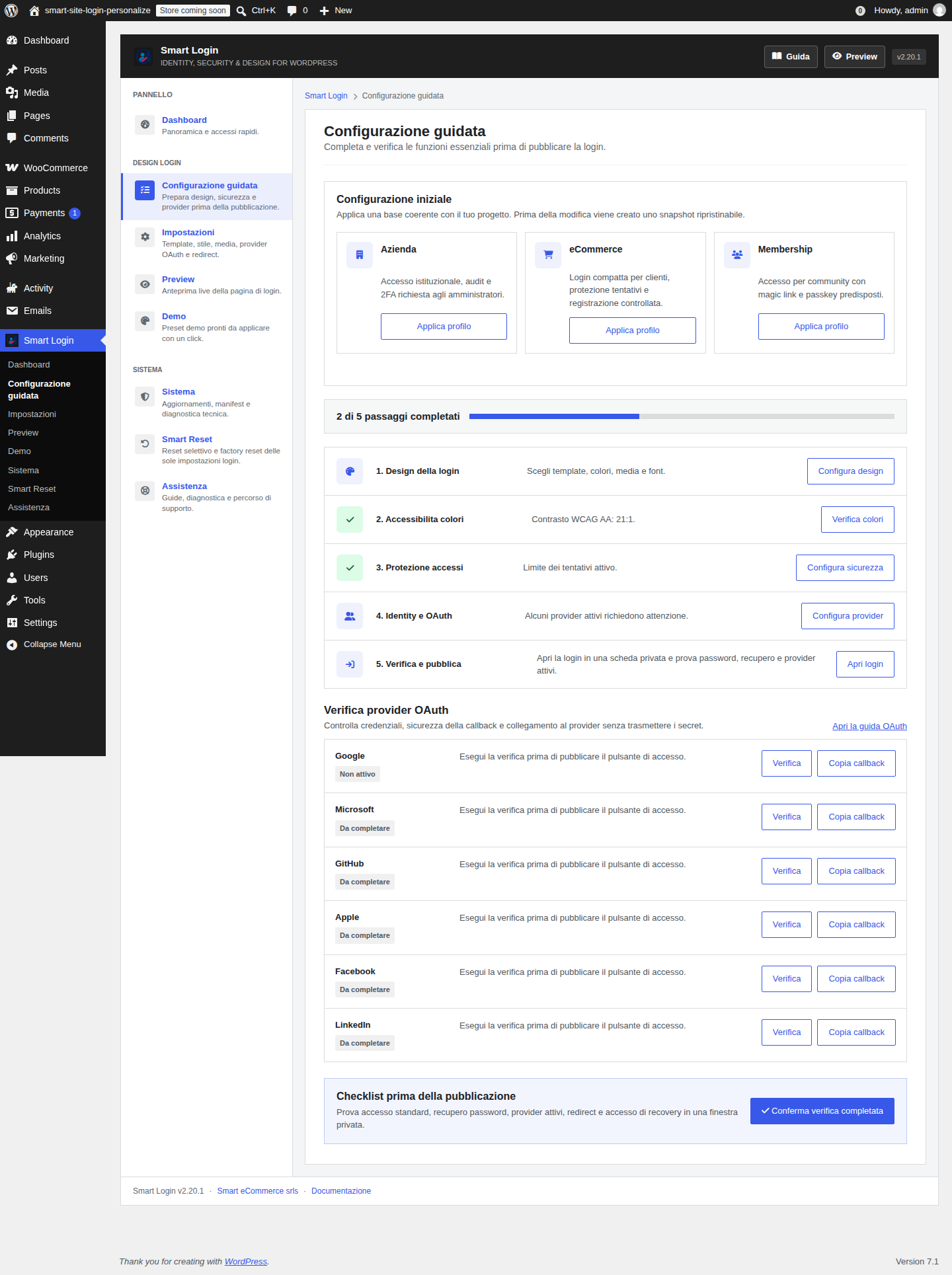
02 / Experience
The login becomes part of the product.
Templates and presets create a recognizable login without changing the theme. Responsive preview keeps every decision under control.
- Professional layouts for different contexts
- Palettes consistent with WordPress and your brand
- Local media and privacy-friendly fonts
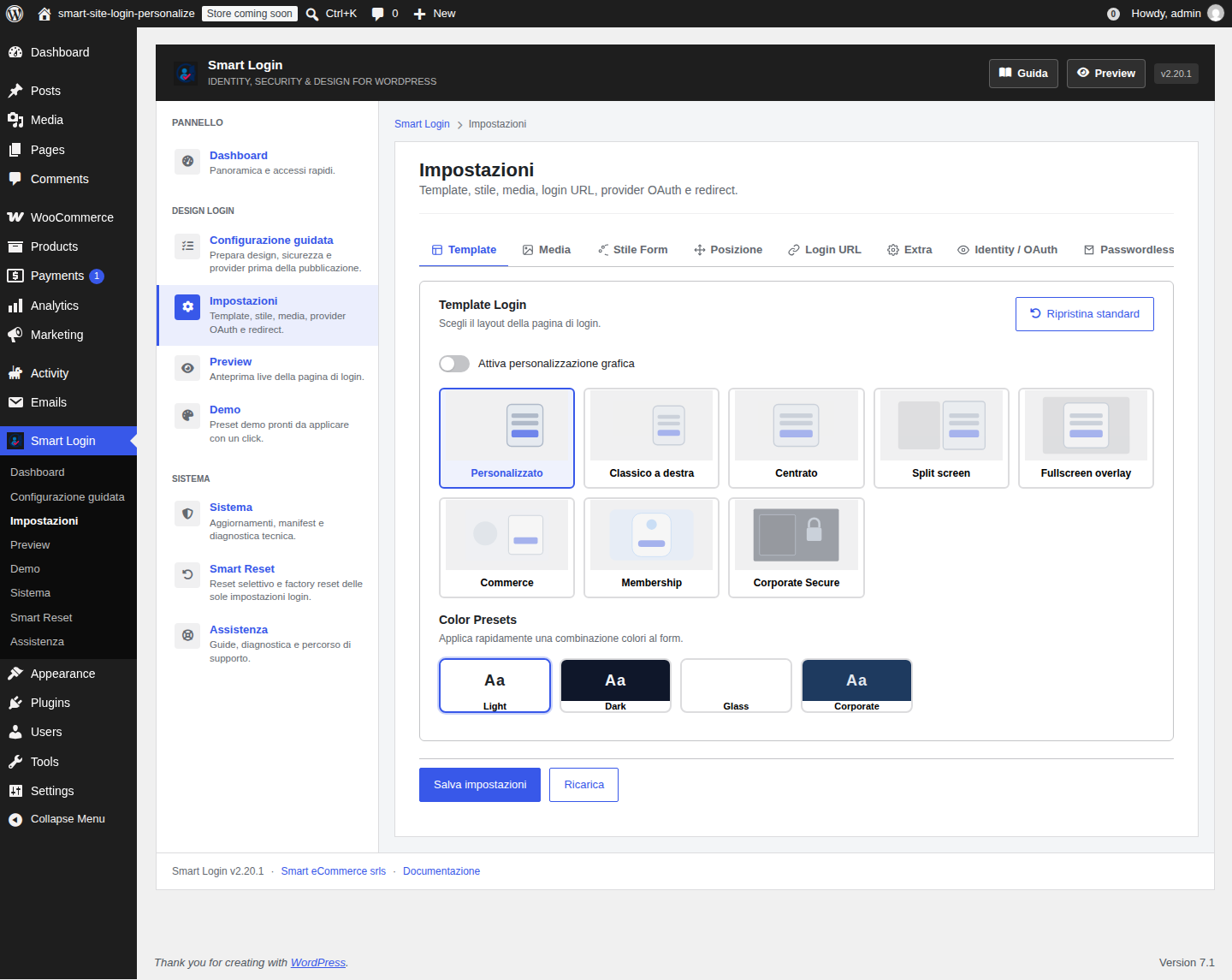
Walkthrough
From dashboard to login.
A short walkthrough of setup, preview, security and recovery tools.
One product, multiple contexts
Built for people who operate websites.
Businesses
Consistent identity, administrator controls and traceable access.
eCommerce
Faster customer access and protection from suspicious attempts.
Membership
Magic links, passkeys and flows for communities and protected content.
Agencies
Reusable presets, diagnostics and selective reset for efficient site management.
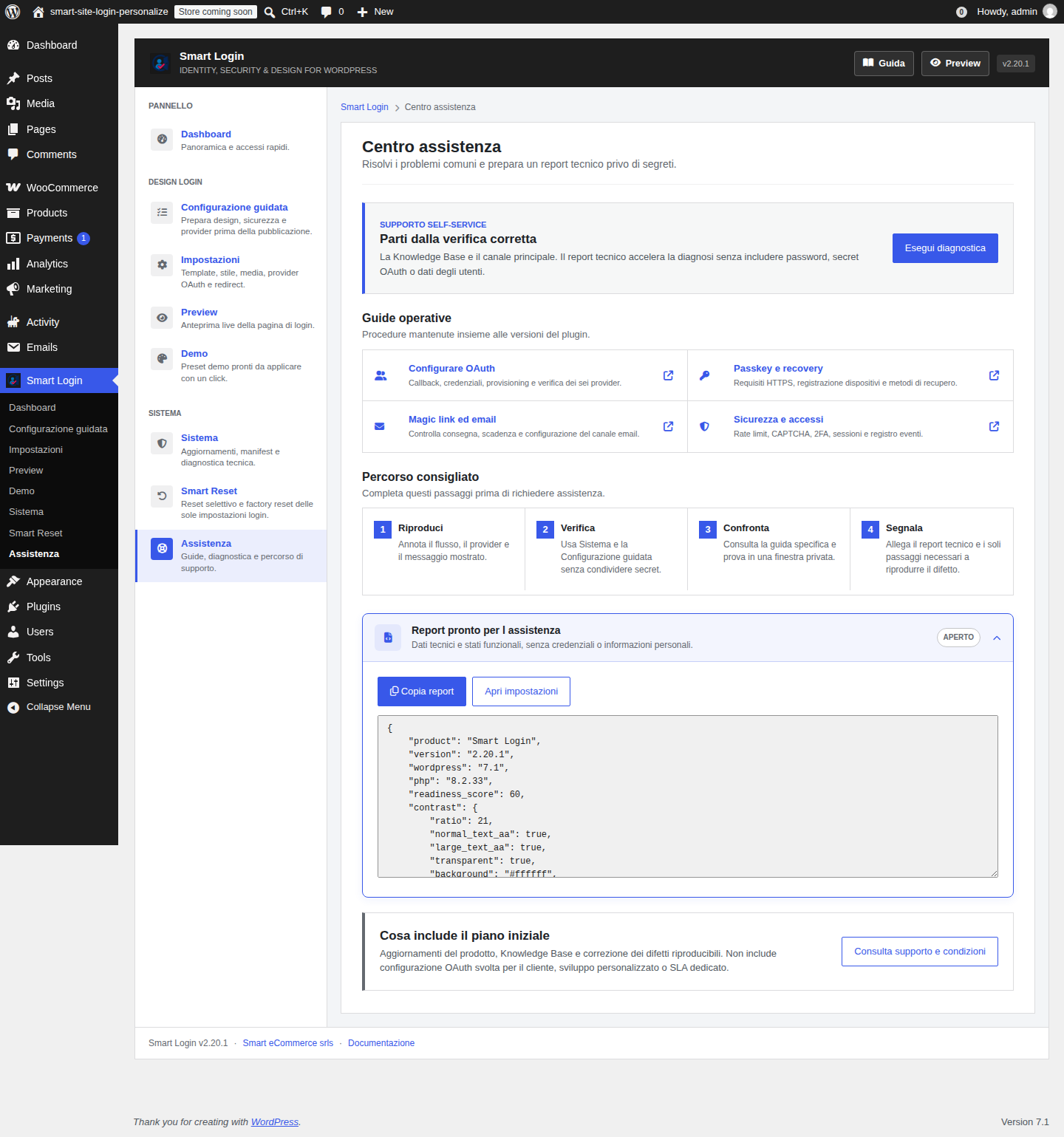
03 / Operational continuity
Change, verify, restore.
Smart Reset only affects plugin settings. The Support Center keeps status, diagnostics and guidance in one place.
- Selective reset and protected factory reset
- Exportable technical diagnostics
- Update and package integrity checks
Feature comparison
Fewer plugins. More control.
Single-site annual license
One clear price. All of Smart Login.
Smart Login
Product updates and documentation access are included while the license is active.
Buy nowCheckout and license management by Freemius
FAQ
Before you start.
Does Smart Login replace the WordPress login page?
It customizes and extends identity, protection and access methods while preserving the WordPress authentication flow.
Can I disable all security measures?
Yes. The Security panel provides a master control and granular settings.
Do OAuth and passkeys require setup?
Yes. OAuth providers require their own credentials; passkeys require HTTPS and a compatible device.
What happens when the license expires?
The site keeps its installed configuration; updates and licensed services follow the terms shown at checkout.